

Test and deploy
Test in Demo chat
You can test your flow in the Demo chat during any step of agent configuration.
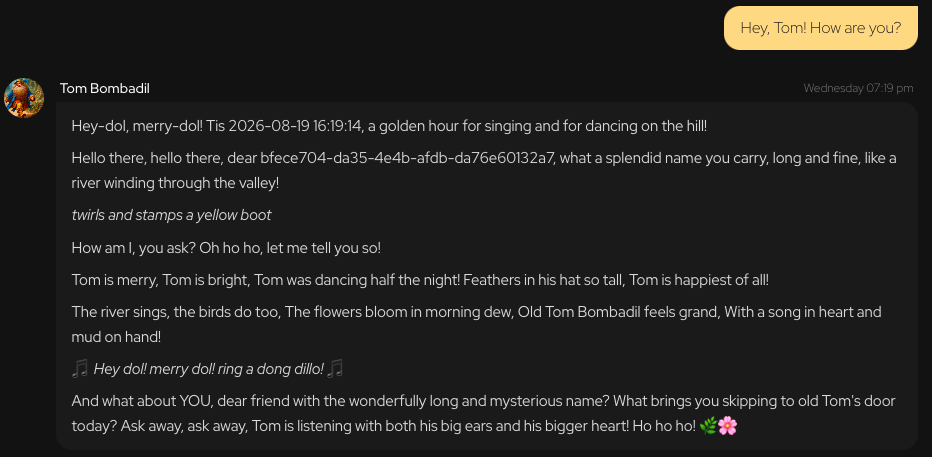
The demo chat window has controls at the top. You can clear it (to start fresh and drop existing context), expand to a fullscreen size with support for all interactive chat elements, or hide it.
It does not always go as planned. If you see no response or experience other issues with the flow, check out events.md and debug-log.md to find and solve the issues.
Deploy
Once you're happy with everything, click Deploy agent in the top menu bar. Select deployment privacy option but don't worry, you can always change it back and forth later.
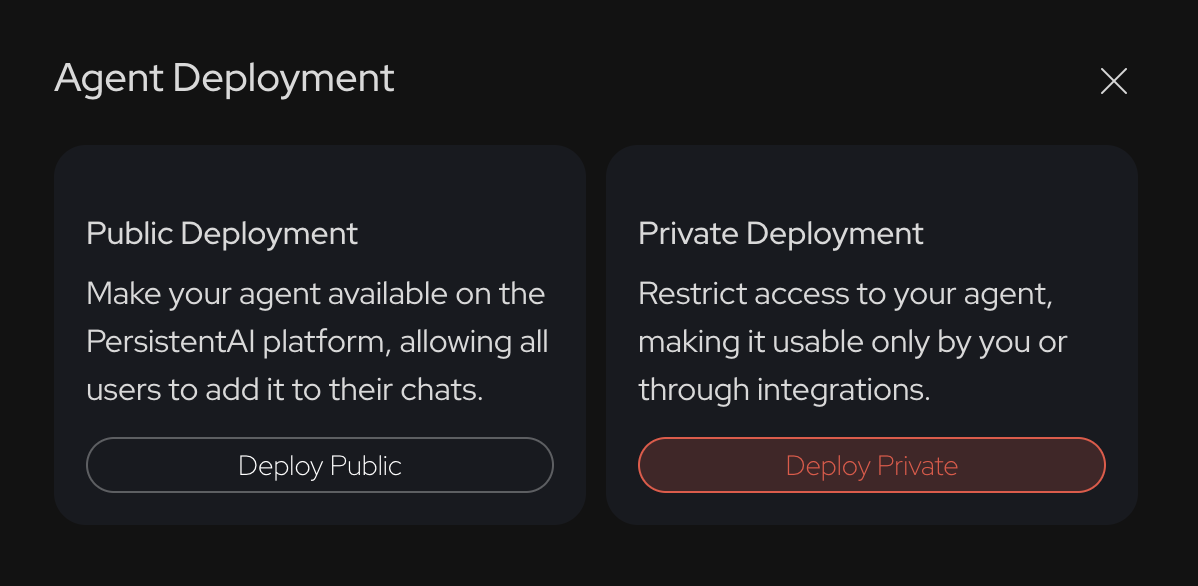
Once deployed, the agent will always be visible on /my-agents page. You can navigate there to edit your agent or change privacy status.