

Set agent profile
Select Create Own Agent in the top right corner.
The AI Agent Editor will appear, and the first thing to do here is to fill in the agent's profile.
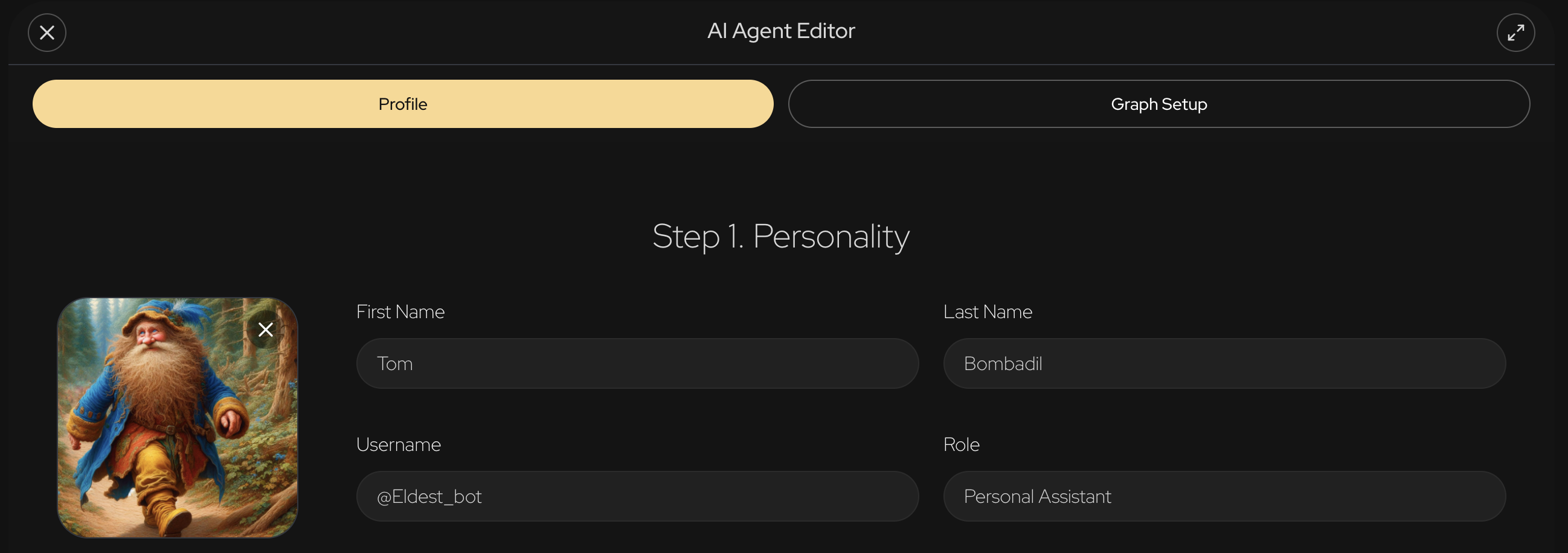
First Name and Last Name are displayed on the platform for every agent together with their avatar.
@username is used to address a specific agent in the chat.
Role serves as a description of what this agent can do, and will also be displayed in the agent's profile.
After you fill in all the fields, the Graph Setup tab becomes available and you can move on to setting up PersistentAI.